
Twinmotion is a 3D realtime visualisation and animation software. It allows you to add, delete, add colour, frame, add ornamentation, light and change your projects in real time, all in an interactive 3D environment thanks to its dedicated tools. You can also instantly generate images and video!

Crash Course: How to use TwinMotion for Beginners!

10 tips for better rendering in TwinMotion
TwinMotion Cinematics + Atmosphere
TwinMotion offers a huge range of materials, lighting, weather, and other atmospheric qualities to enhance your visualisations as well as tools for capturing these elements. TwinMotion hosts monthly Webinars for up skilling; have a look at some past ones below!
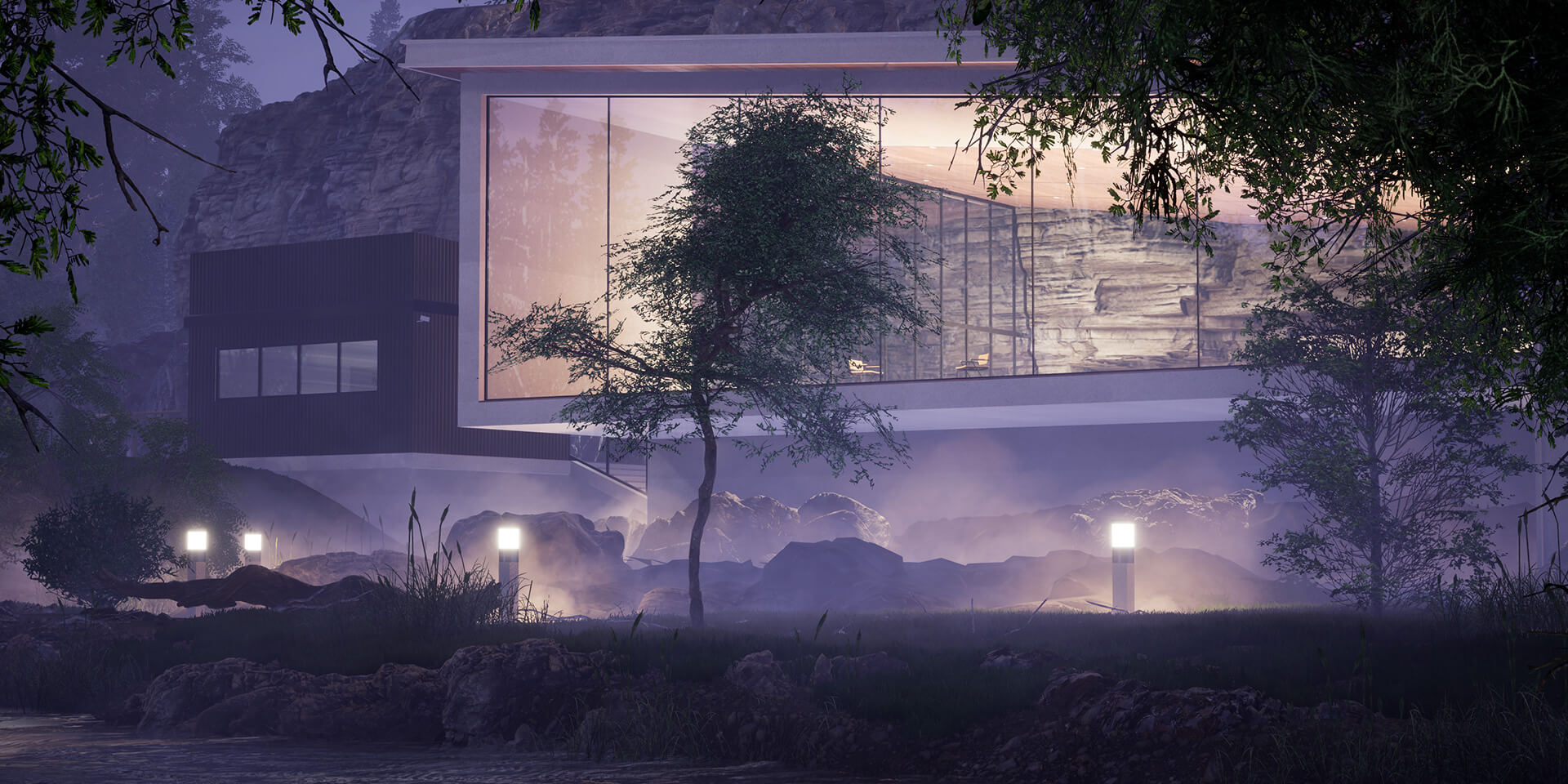
Lighting + Fast Visualisation: Watch this webinar replay to learn how to create high-quality images, panoramas, and standard or 360° VR videos in seconds with Twinmotion!
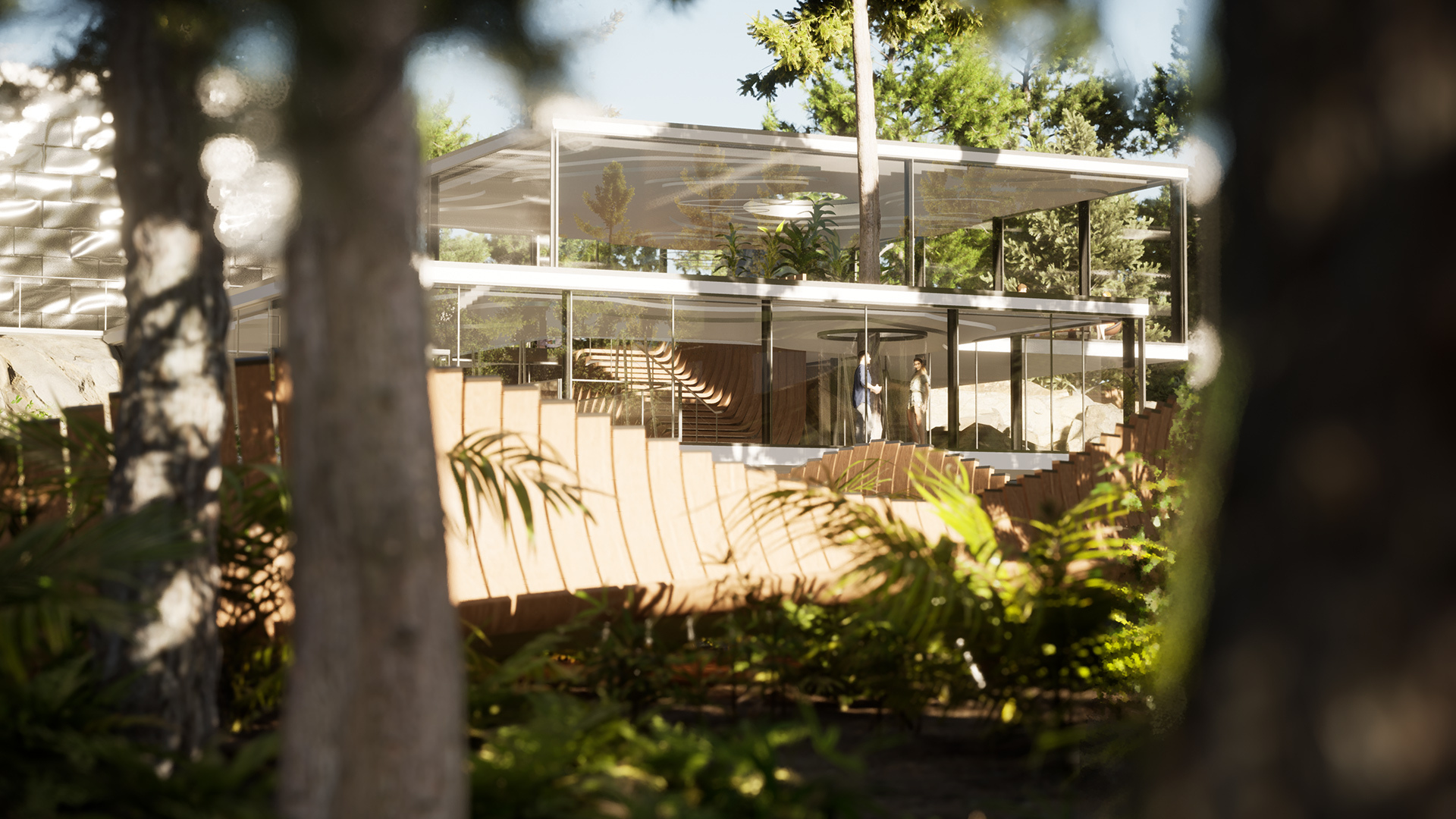
Cinematic Animations: Views, focus and clip integration tips.

How to Animation in TwinMotion tutorial
Get TwinMotion for Free!
TwinMotion offers a free educational download. Click here to register for a free copy and download link on your own laptop!
Last modified: January 15, 2021