Adobe Photoshop is a photo, image and design editing software. Open full-size PSDs, retouch images, create sophisticated composites and control brushes, build scenes, alter lighting, animate and much more.
In Spatial Design Photoshop is used as a visualisation tool during design workflow. It provides opportunity to quickly alter scenes for design iterations whilst also enabling detail, refinement and precision in final renders.
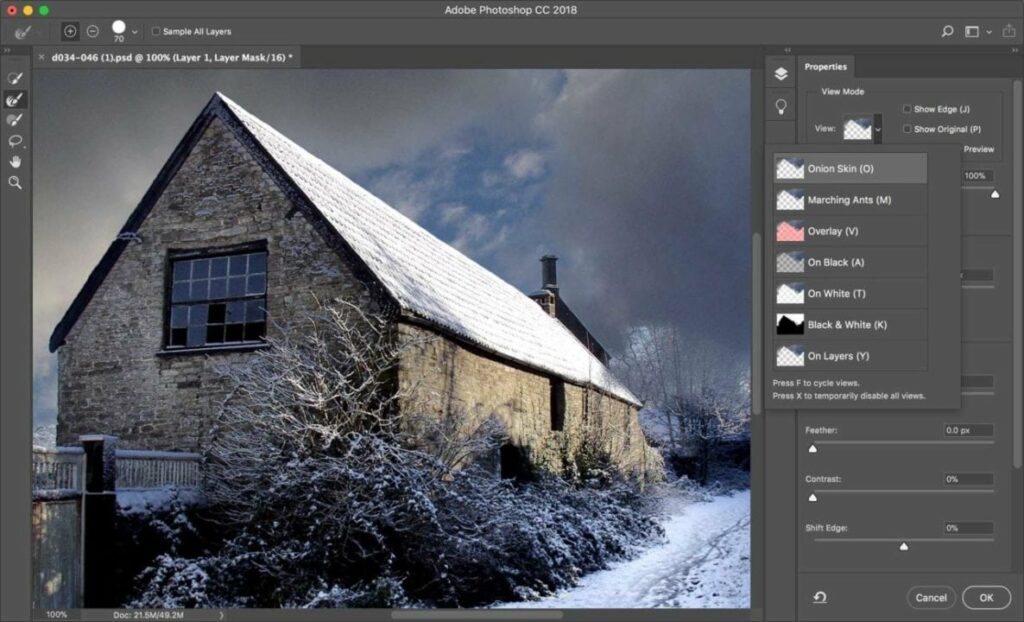
Photoshop for Beginners Free Course here

Learn Photoshop Basics in 5 minutes here
A collection of useful Adobe Photoshop Tutorials:
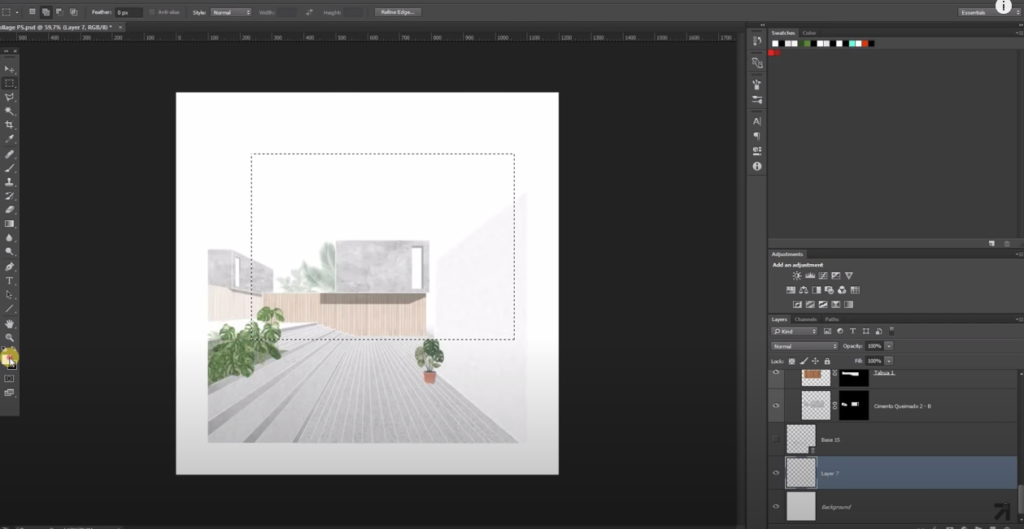
How to create site analysis maps in Photoshop
How to collage renders in Photoshop
Post-production rendering in Photoshop
EVERY tool in the Photoshop toolbar explained

How do I get Photoshop on my laptop?
Visit the Adobe Website and navigate to the Creative Cloud Student Plan page where you will find subscriptions & download options for all Adobe Design Software.
Alternatively, our studio computers are have Adobe Creative Cloud accessible for free.
Last modified: January 12, 2021